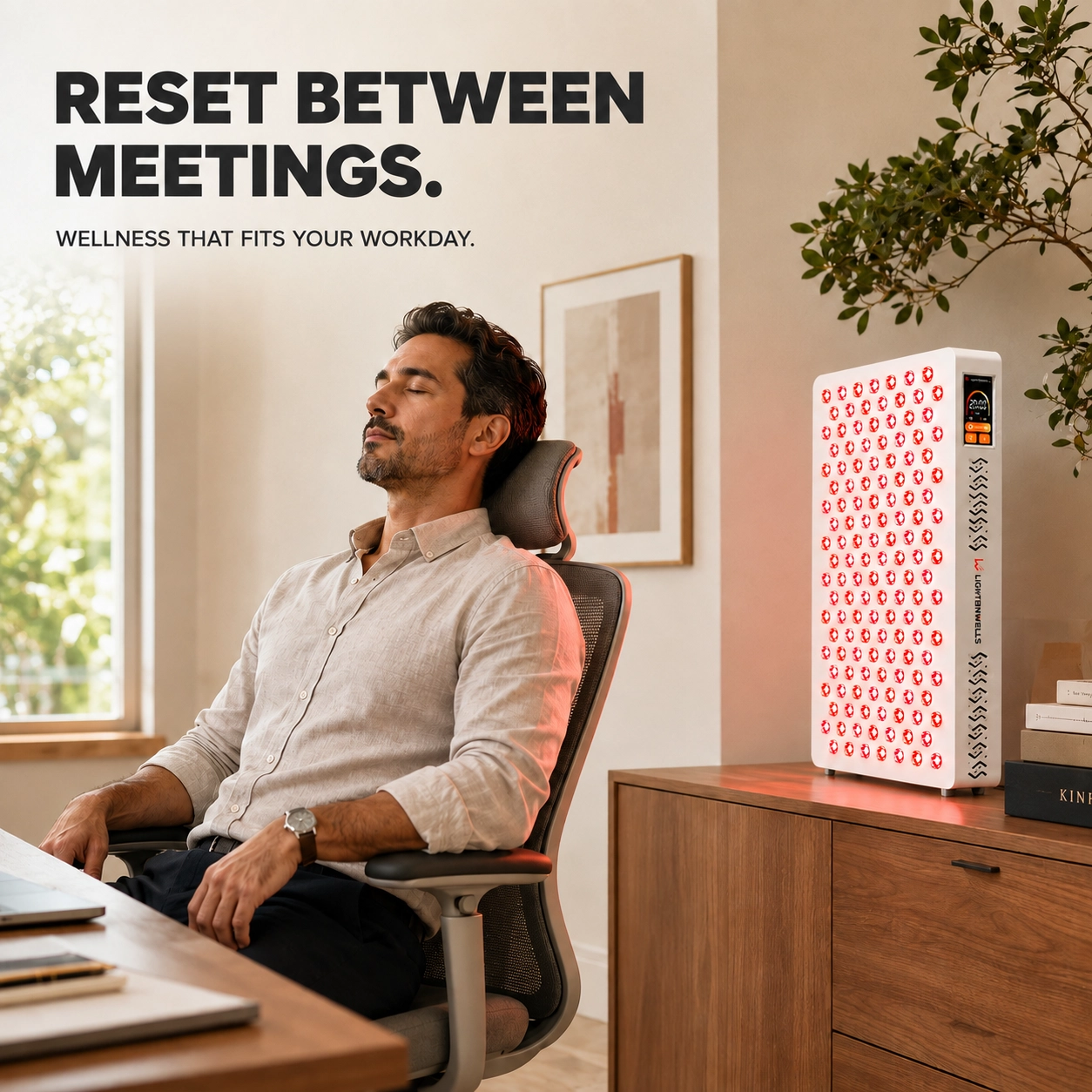
Follow the supplied instructions for installation, operating distance, session duration, and eye protection.

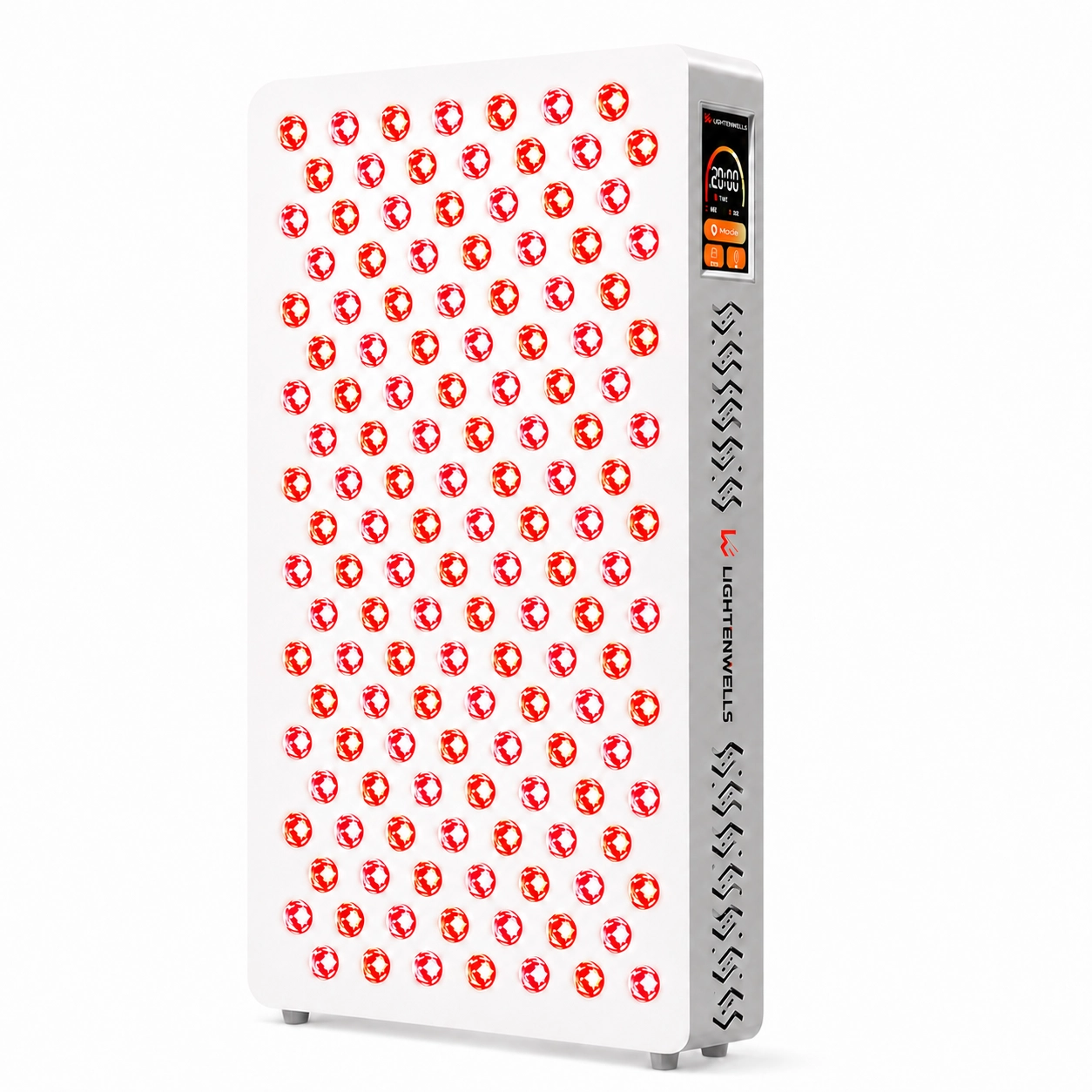
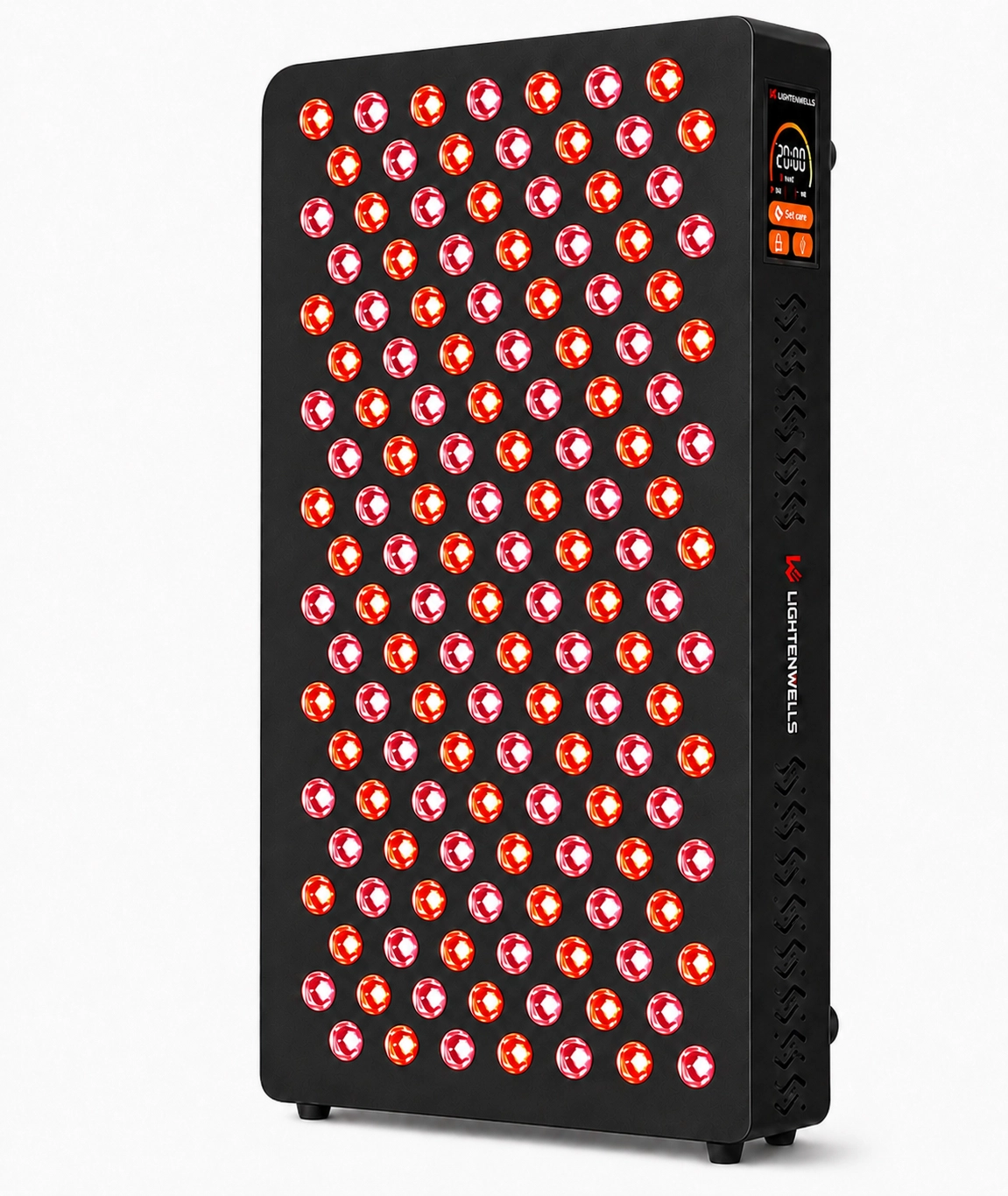
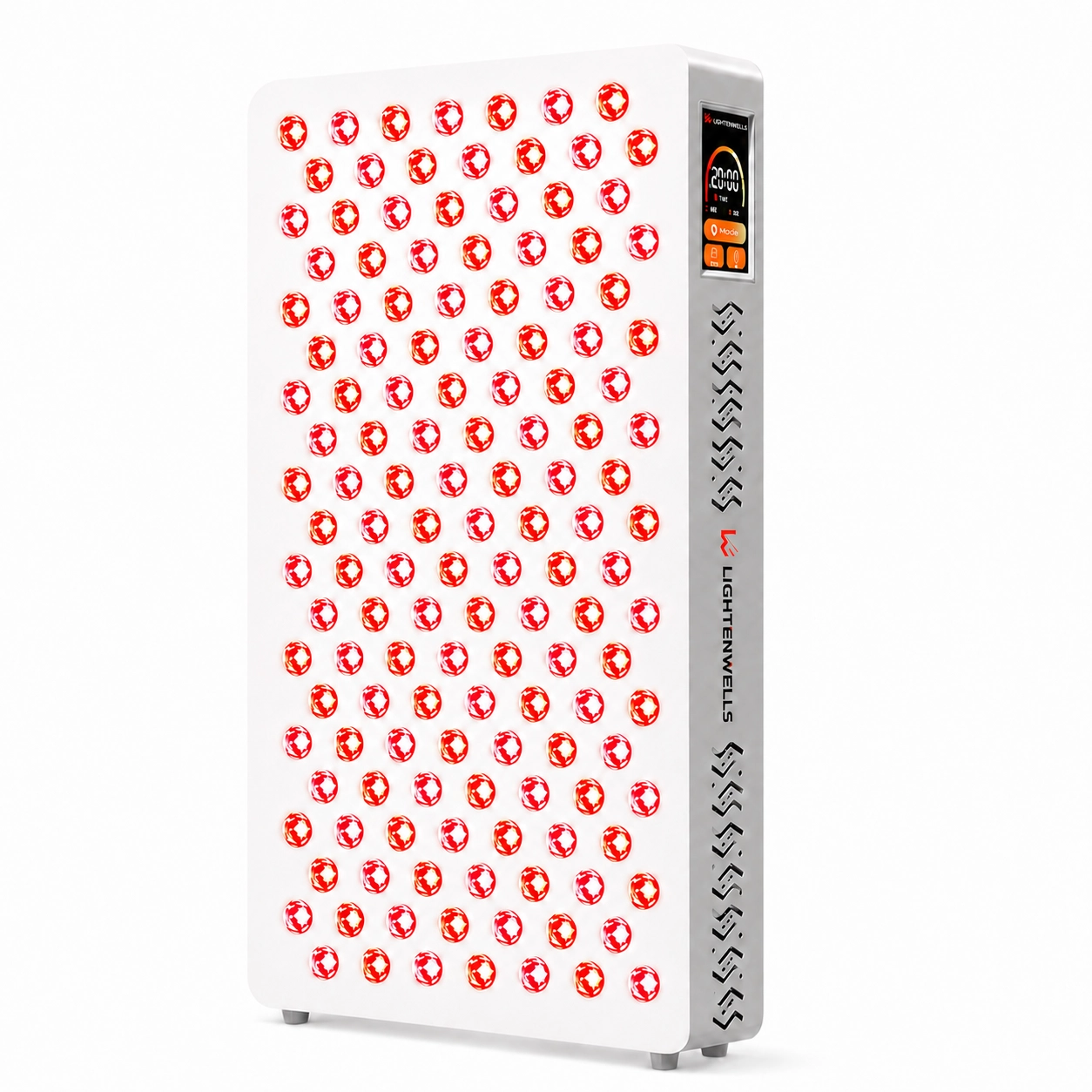
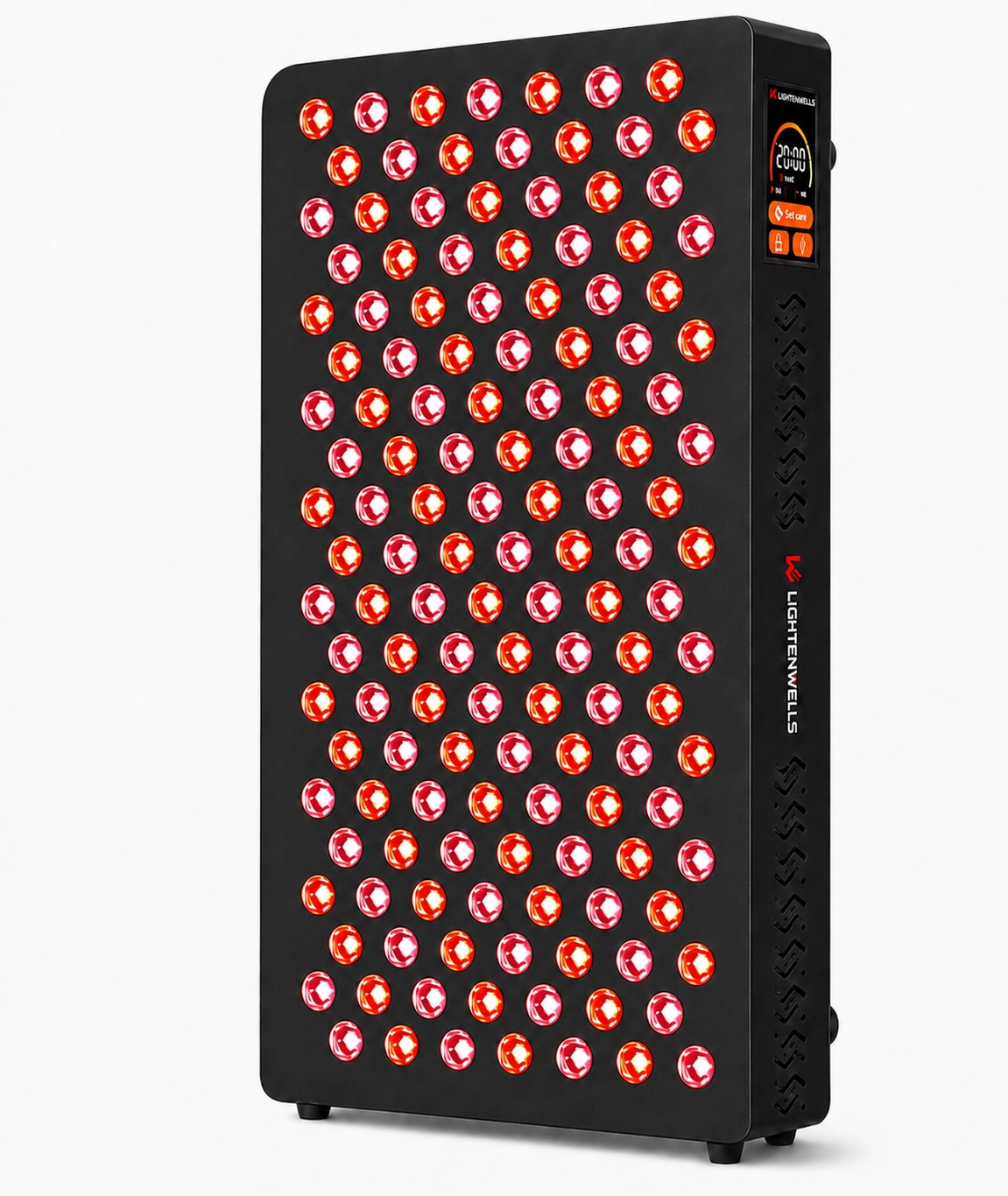
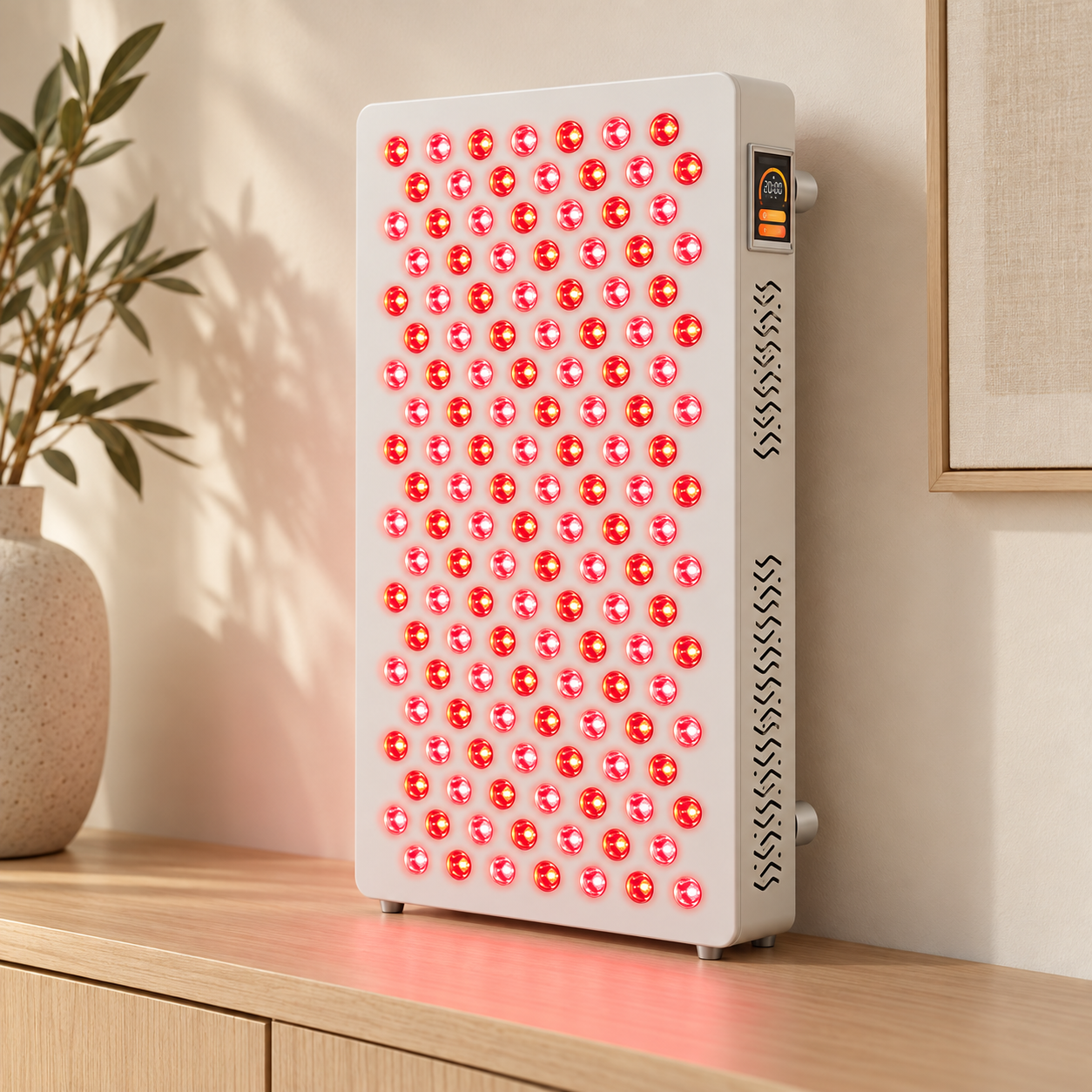
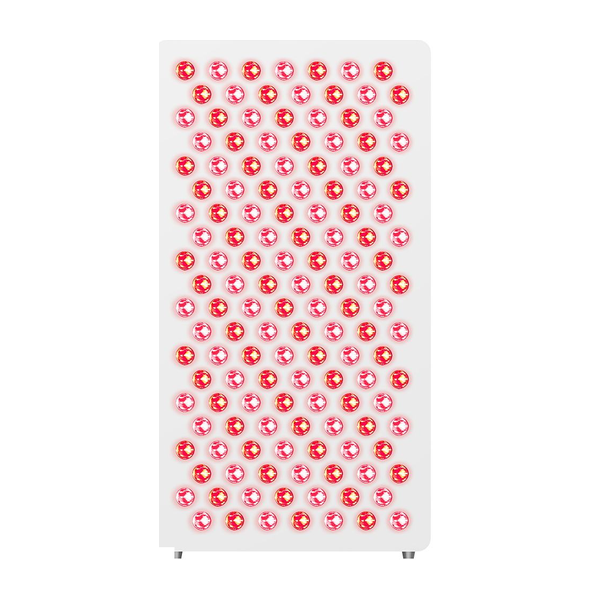
A rectangular panel with 140 LEDs for a dedicated home light setup. Its upright format keeps the panel and integrated controls together in one device.
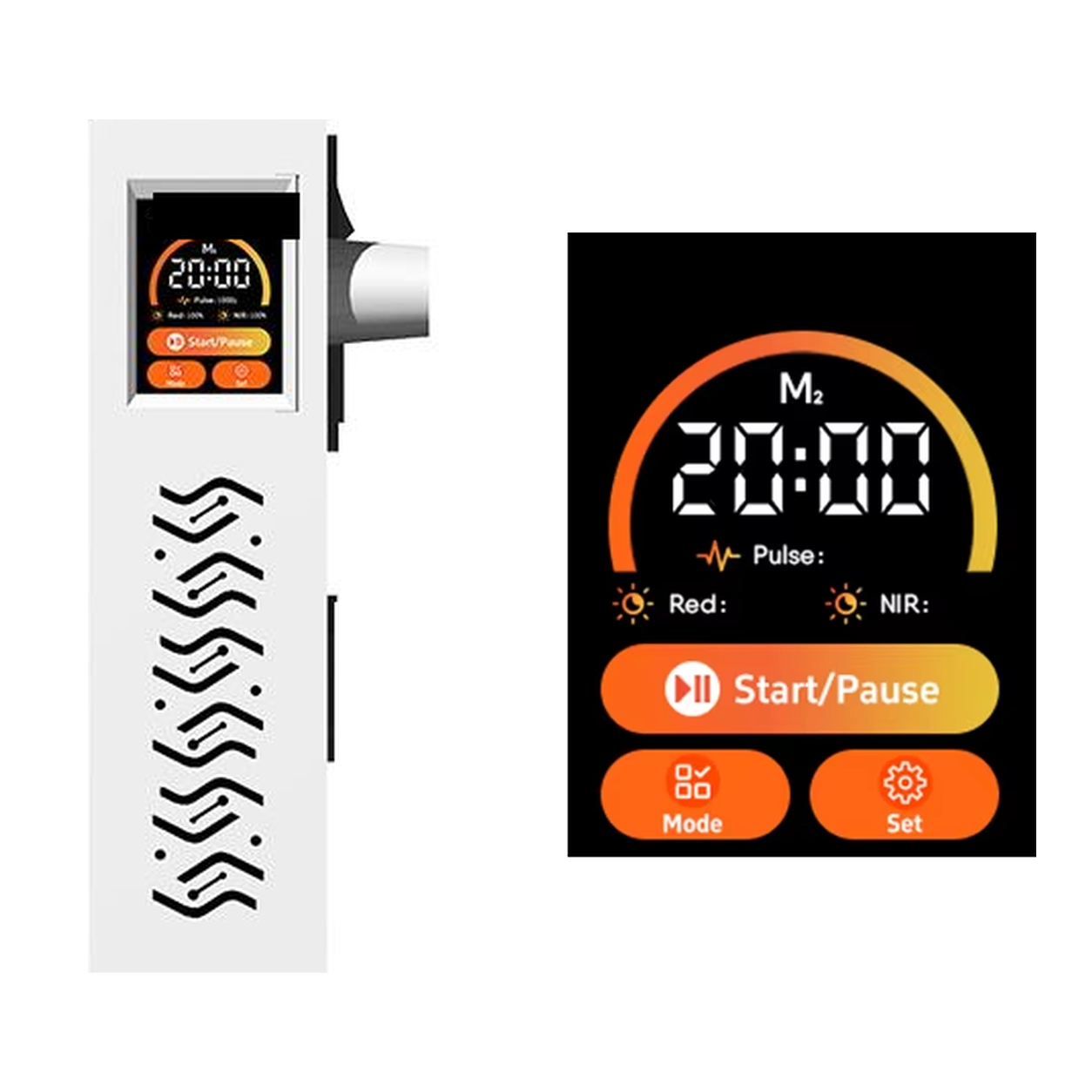
View and adjust key settings through the side-mounted color touchscreen. The integrated interface brings the panel’s operating information and controls into one place.
Panel side view and touchscreen interface detail.


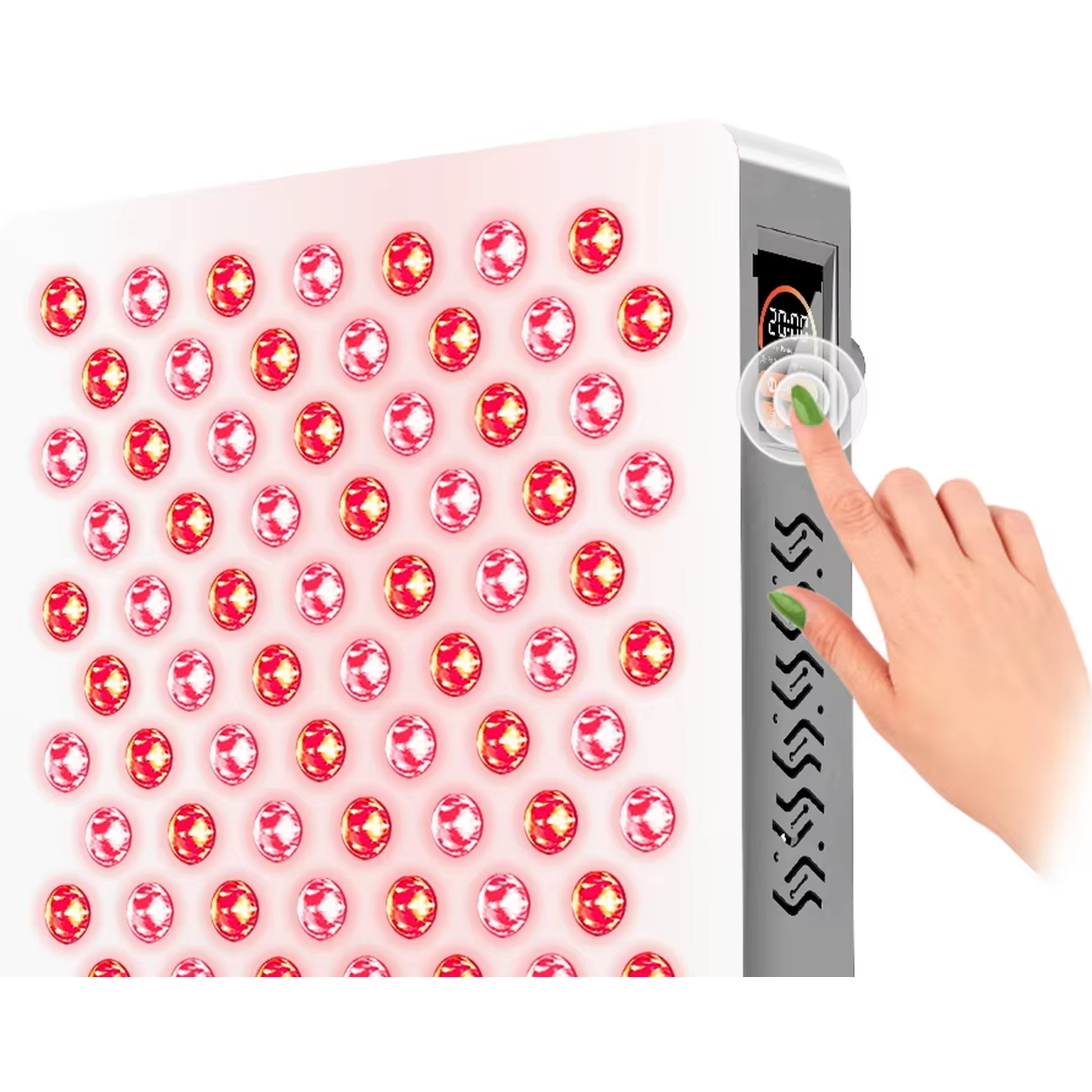
Adjust brightness, manage the timer, and select pulse settings through the touchscreen. Follow the supplied instructions for operating distance and session duration.
Close-up from the original product reference.
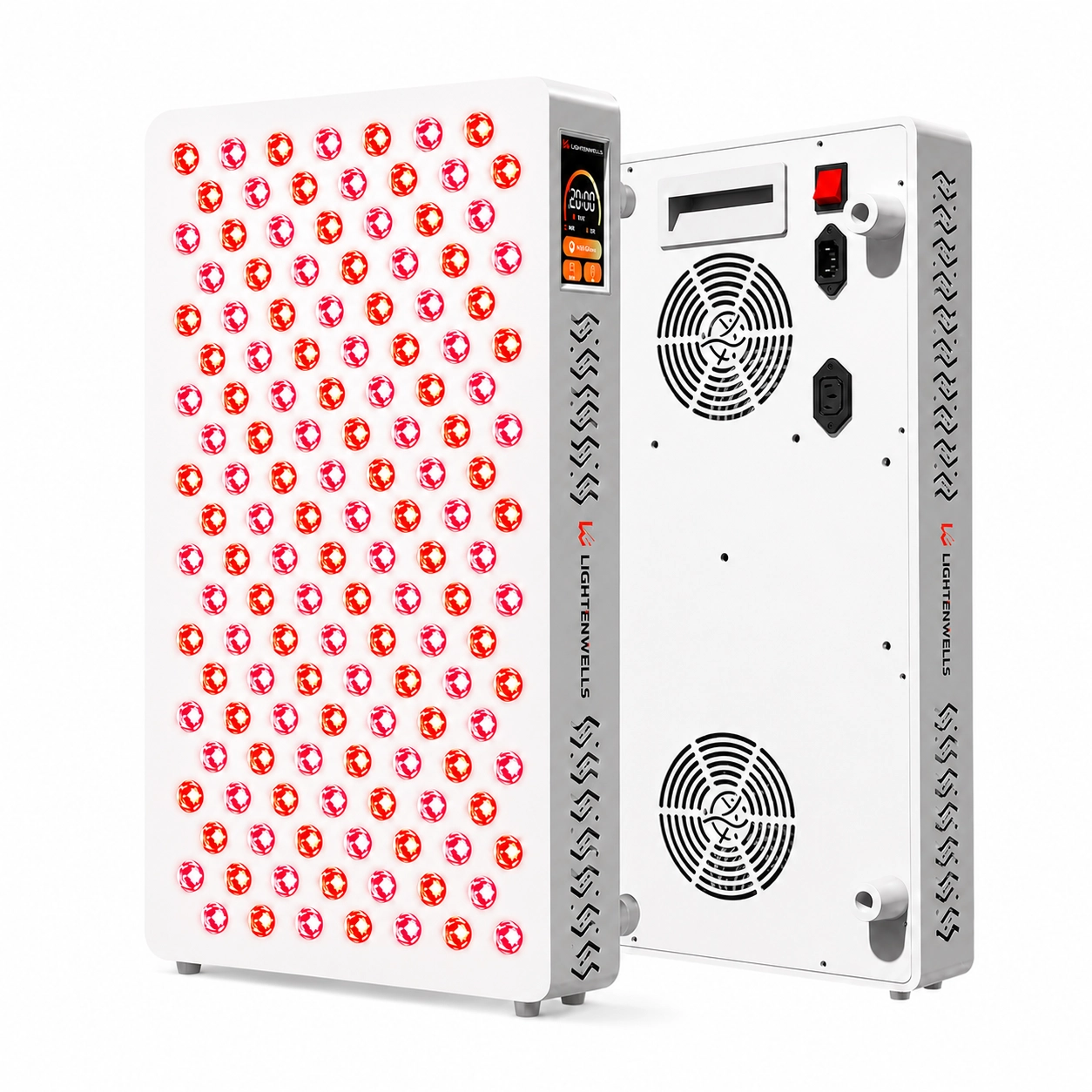
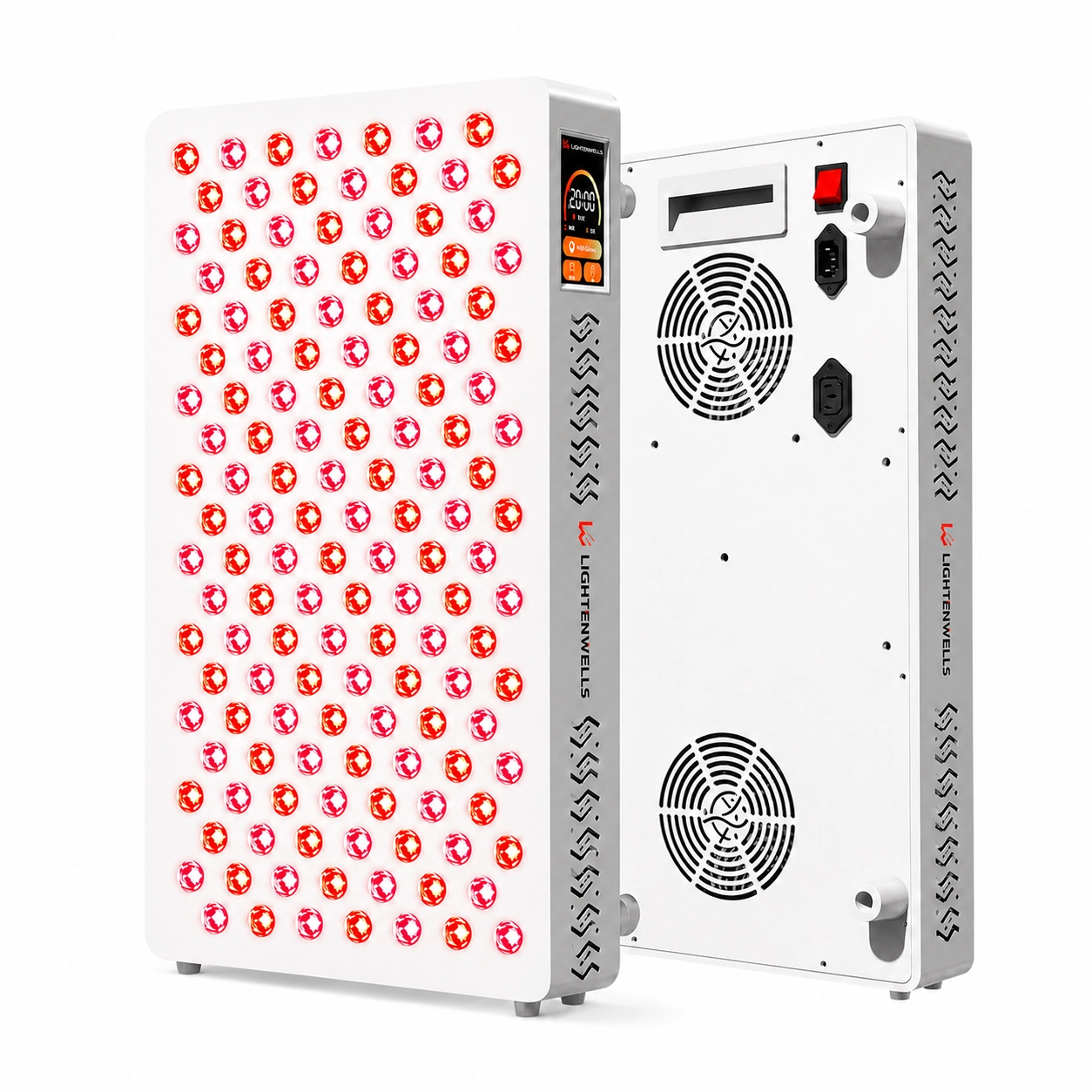
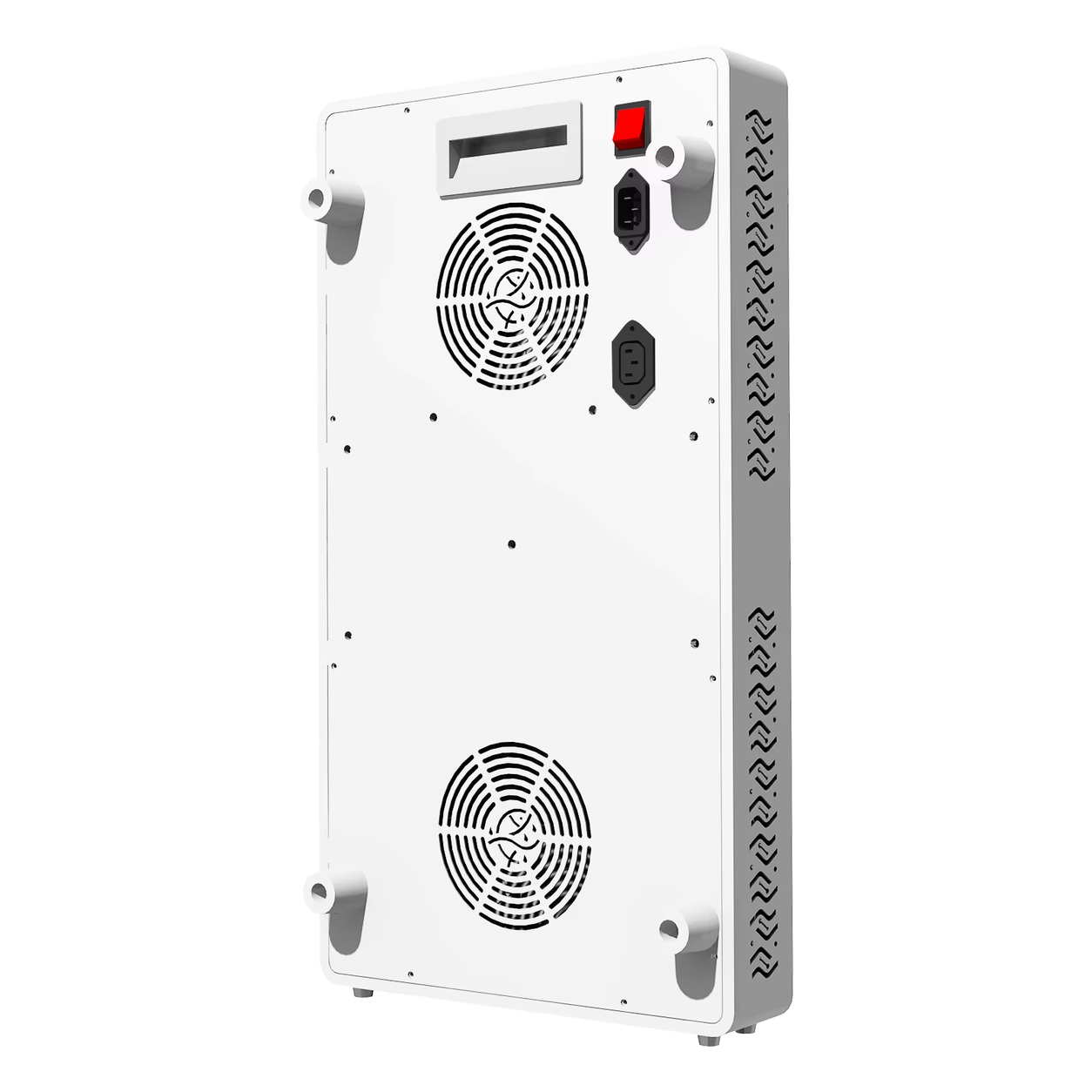
Two rear cooling fans and side ventilation openings support airflow through the panel. Keep the ventilation openings clear when positioning and using your T140.

T140 combines two red-light wavelengths and four near-infrared wavelengths in one 140-LED panel.
Two wavelengths make up the red-light group. Select red mode using the side touchscreen.
Four wavelengths make up the near-infrared group. Select near-infrared mode using the side touchscreen.
Use the red-light group.
Use the near-infrared group.
Use both wavelength groups together.
Adjust light intensity through the touchscreen.
Choose 5, 10, 15, 20, 25, or 30 minutes.
Select the pulse frequency through the touchscreen.
Wavelengths describe the panel configuration; each wavelength is not a separate selectable mode. Timer options are device settings. Follow the supplied manual for session duration.
Consider the panel size, controls, and mounting requirements when planning your home setup.
The 581 × 220 × 60 mm panel has a net weight of 4.6 kg. Plan enough room for secure mounting and clear ventilation.
The side color touchscreen brings light mode, brightness, timer, and pulse adjustments together. Position the panel so the controls remain accessible.
Review our 1-year warranty, 30-day return and refund terms, and free U.S. standard shipping policy.
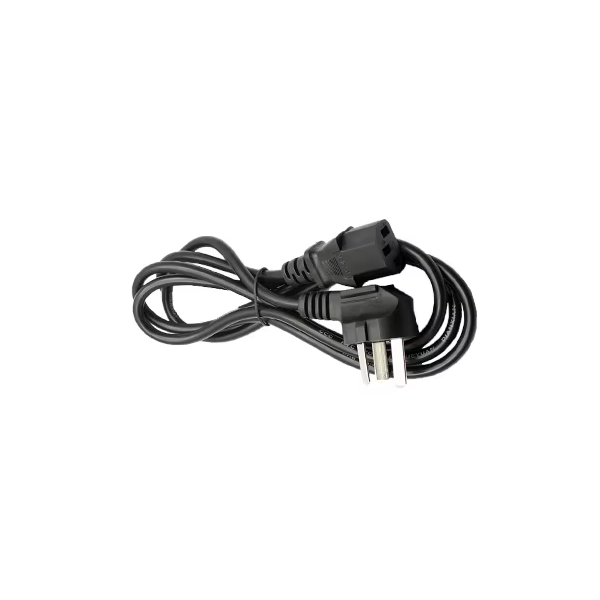
One T140 panel, plus the power, instruction, and hanging accessories below.

1 × included

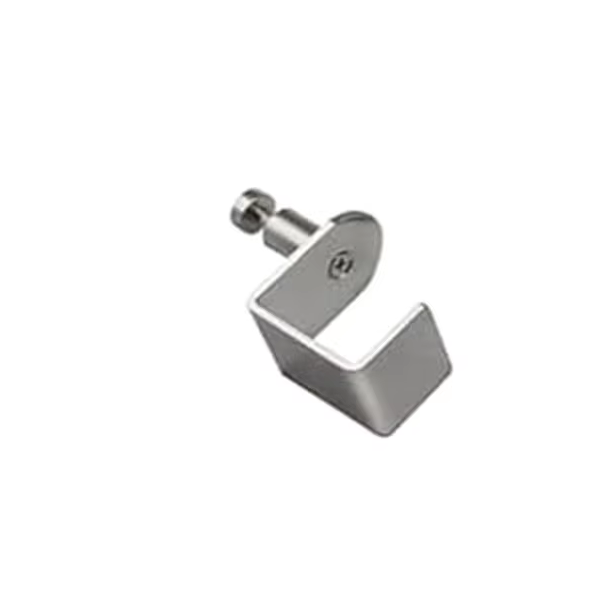
1 × included

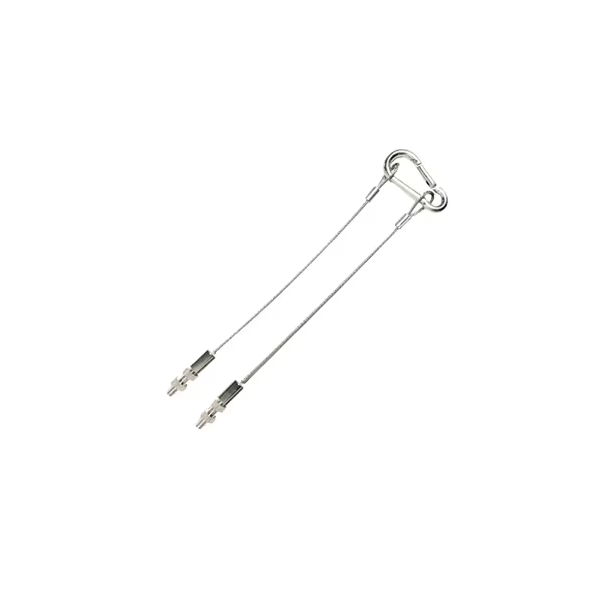
1 × included

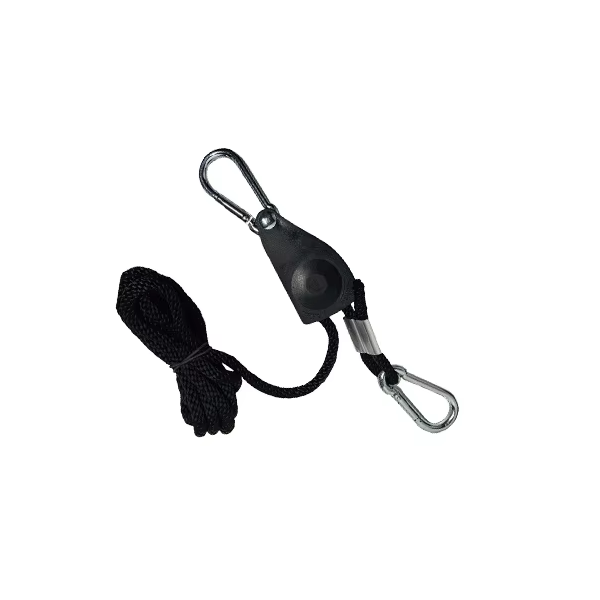
1 × included

1 × included

1 × included
Included accessories are shown individually for clarity; images are not to a shared scale. Compatible stands and additional brackets are sold separately. Refer to the supplied manual for assembly.
Secure the panel, choose your settings, and follow the supplied instructions for use.
Choose a suitable location. Assemble the mounting accessories according to the manual, secure the 4.6 kg panel, and keep ventilation openings clear.
Connect the power cable as instructed. Select light mode, brightness, timer, and pulse settings through the side touchscreen.
Use the supplied instructions for operating distance, session duration, frequency of use, and eye protection. The timer presets do not replace these instructions.
The door hanger, hanging kit, and adjusting system are included. Follow the manual to confirm a suitable mounting point and secure all connections before use.
Compatible stands and additional brackets are purchased separately. Contact us to confirm T140 compatibility before choosing a stand.
A transparent overview of the panel’s confirmed dimensions, light configuration, and operating features.
| LED count | 140 LEDs |
|---|---|
| Wavelengths | 630 / 660 / 810 / 850 / 940 / 1060 nm |
| Light modes | Red light, near-infrared light, and combined mode |
| Dimensions (L × W × H) | 581 × 220 × 60 mm |
| Net weight | 4.6 kg |
| Packaged weight | 8.85 kg |
| Controls | Side-mounted color touchscreen |
| Brightness | 0–100% |
| Timer options | 5 / 10 / 15 / 20 / 25 / 30 minutes |
| Pulse frequency | 1–300 Hz |
| Cooling | Two rear fans and side ventilation openings |
| Input voltage | AC 100–240V |
| Included mounting accessories | Door hanger, hanging kit, and adjusting system |
| Warranty | 1-year warranty, subject to warranty terms |
For assembly and operating guidance, consult the supplied user manual. Need product information before ordering? Contact Lightenwells.
Answers to common questions about the panel, included accessories, setup, and purchase support.
T140 uses six wavelengths: 630 and 660 nm in the red-light group, plus 810, 850, 940, and 1060 nm in the near-infrared group.
Yes. Choose red mode, near-infrared mode, or combined mode through the touchscreen. Individual wavelengths are not separate selectable modes.
Yes. Brightness is adjustable from 0–100%, with pulse settings from 1–300 Hz. Timer options are 5, 10, 15, 20, 25, and 30 minutes. Follow the manual for operating guidance.
T140 measures 581 × 220 × 60 mm (L × W × H). The device weighs 4.6 kg; the packaged weight is 8.85 kg.
The package includes one device, one power cable, one user manual, one door hanger, one hanging kit, and one adjusting system.
A stand is not included. The door hanger, hanging kit, and adjusting system are included. Compatible stands and additional brackets are sold separately; contact us to confirm compatibility.
Follow the supplied T140 manual for operating distance, session duration, frequency of use, and eye protection. The six timer presets are device controls rather than recommended session durations. Contact us if you need operating guidance before purchase.
Follow the user manual when assembling the included hanging accessories. Confirm the mounting point is suitable for the 4.6 kg device, secure all connections, and keep the rear fans and side ventilation openings clear.
The specified input voltage is AC 100–240V. Confirm the supplied plug matches your outlet and follow the manual when connecting the device.
Eligible products are covered for manufacturing defects in materials and workmanship under normal home use for one year from delivery. See our Warranty Policy for coverage and conditions.
Standard shipping is free on U.S. orders, with no minimum order amount. See our Shipping Policy for destinations and delivery information.
Request a return within 30 days of delivery, subject to our Return & Refund Policy. For eligible non-defective returns, return shipping is paid by the customer.

loading